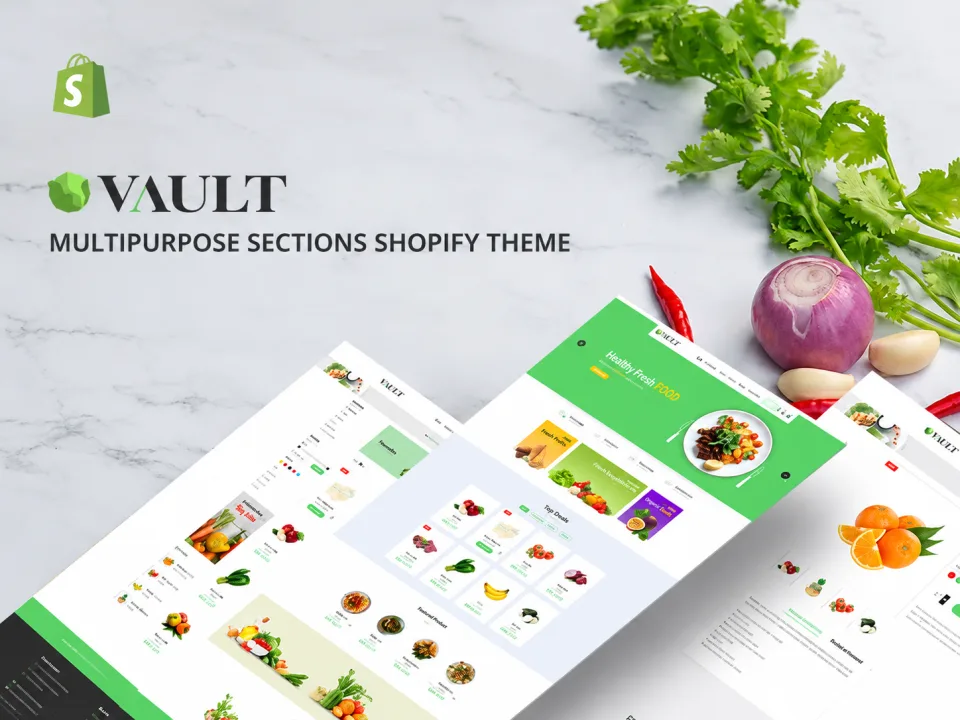
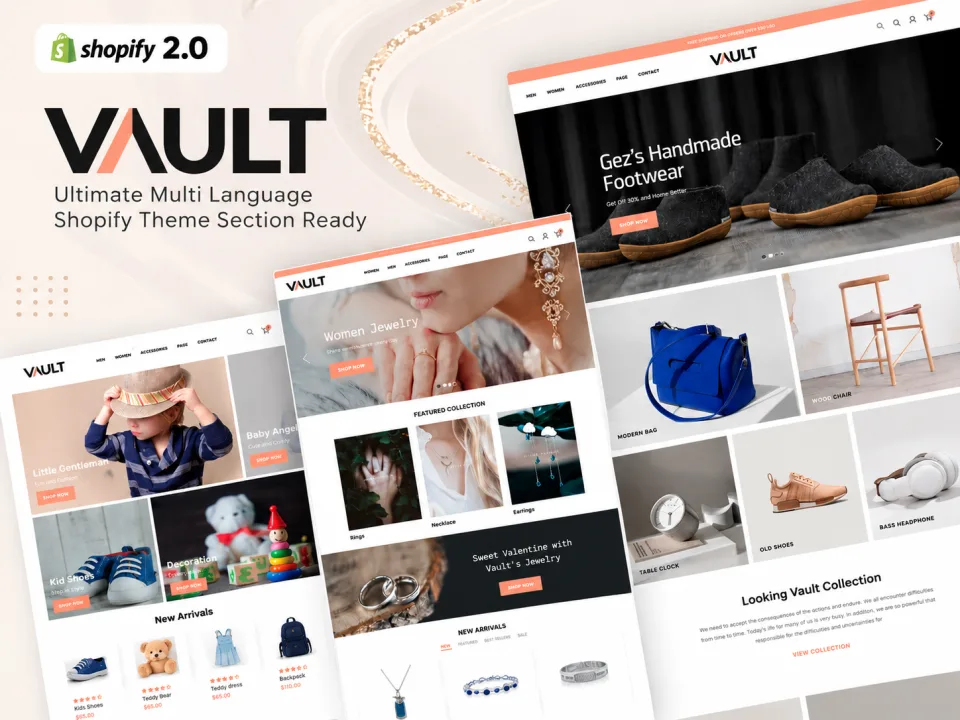
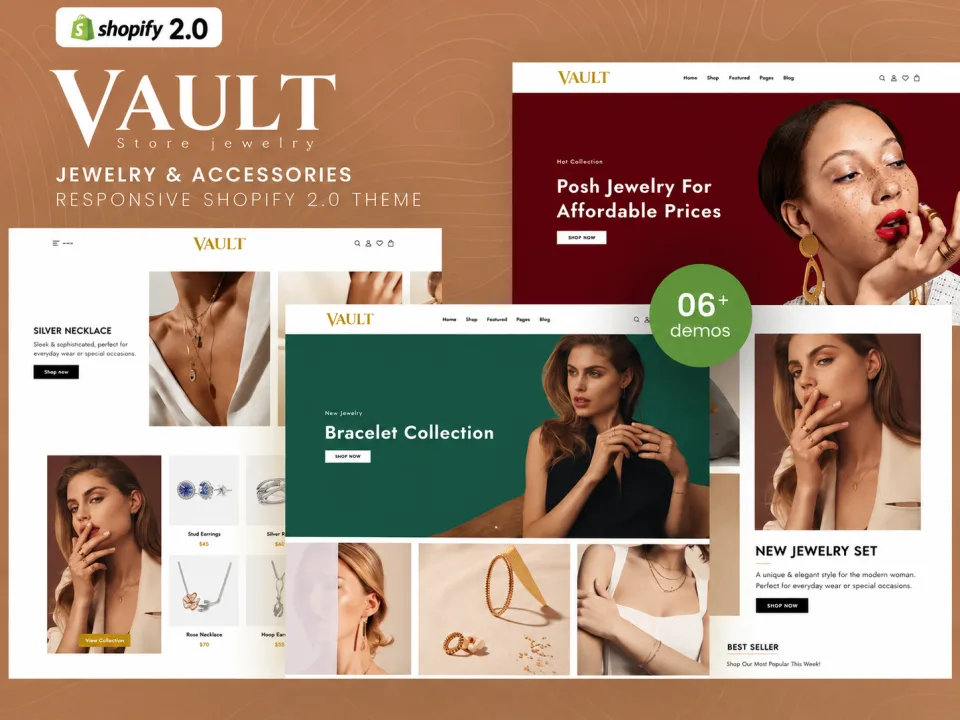
Create a flexible online store with demo layouts, visual header and footer builders, Ajax cart and search, product filters, swatches, and mobile optimization.
The ZXNOVA Vault Multipurpose Shopify Store Theme combines a clean, modern design with a broad set of storefront tools. The supplied description highlights pre-made demos, visual header and footer builders, flexible shop and product layouts, Ajax cart and search, product filters, mega menus, pagination choices, and mobile optimization.
Key Features
Pre-made demos and one-click demo import
Theme options and flexible customization
Mobile-optimized design
Multiple product page layouts
Flexible shop layouts
Visual header builder
Visual footer builder
Product variation swatches
Ajax canvas cart
Built-in live search
Product quick view
Ajax product filtering
Advanced mega menus
Free-shipping threshold feature
Product hover effects
Dynamic checkout buttons
Multiple pagination options
360-degree product view
Age verification option
Blog layouts and documentation
What’s Included
Shopify theme files (confirm package contents before publishing)
Documentation, if supplied with the original package
Installation Guide
After purchase, download the Shopify theme ZIP from your ZXNOVA Vault order or account page once the downloadable file has been attached to the product.
Log in to your Shopify admin.
Go to Online Store > Themes.
Choose Add theme or the theme upload option, then select Upload ZIP file and choose the theme ZIP.
After the upload finishes, preview and customize the theme before publishing it.
Note: A downloadable theme ZIP must be included with this product. Uploading the listing CSV alone does not provide the theme files. Shopify menu labels can vary slightly by admin version.
Features
Pre-made demos and one-click demo import
Theme options and flexible customization
Mobile-optimized design
Multiple product page layouts
Flexible shop layouts
Visual header builder
Visual footer builder
Product variation swatches
Ajax canvas cart
Built-in live search
Product quick view
Ajax product filtering
Advanced mega menus
Free-shipping threshold feature
Product hover effects
Dynamic checkout buttons
Multiple pagination options
360-degree product view
Age verification option
Blog layouts and documentation
What’s included
Shopify theme files (confirm package contents before publishing)
Documentation, if supplied with the original package
Frequently asked questions
What types of stores can use this theme?
It is presented as a multipurpose theme that can be adapted to a range of ecommerce categories.
Does it include visual header and footer builders?
Yes. Visual header and footer builders are listed in the supplied details.
Which Ajax features are included?
The description lists an Ajax cart, live search, and product filtering.
Can shoppers choose product variations?
Product variation swatches are listed among the features.
What pagination options are available?
The supplied description lists infinite scroll, load more, and standard pagination.
How do I install this Shopify theme after purchase?
Download the theme ZIP from your ZXNOVA Vault order/account page after the product files have been attached. In Shopify admin, open Online Store > Themes, choose Add theme or the upload option, upload the ZIP, then preview and customize it before publishing.
Reviews
No reviews for this product yet
Bought it? Your honest review helps other buyers decide.
Only verified buyers can review. After your purchase, open your account → Downloads → “Write a review”.