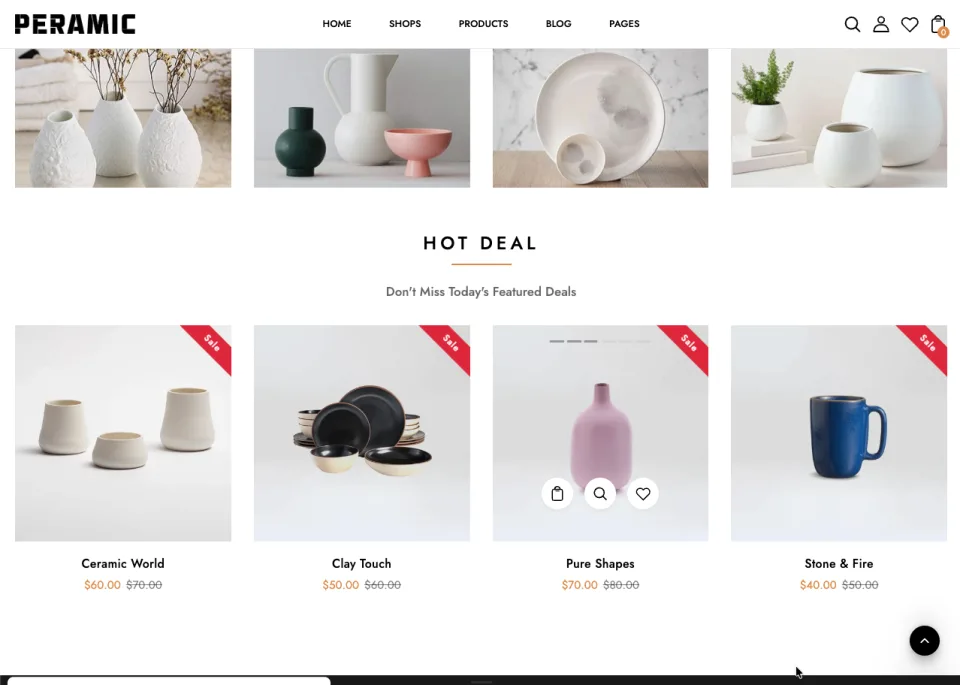
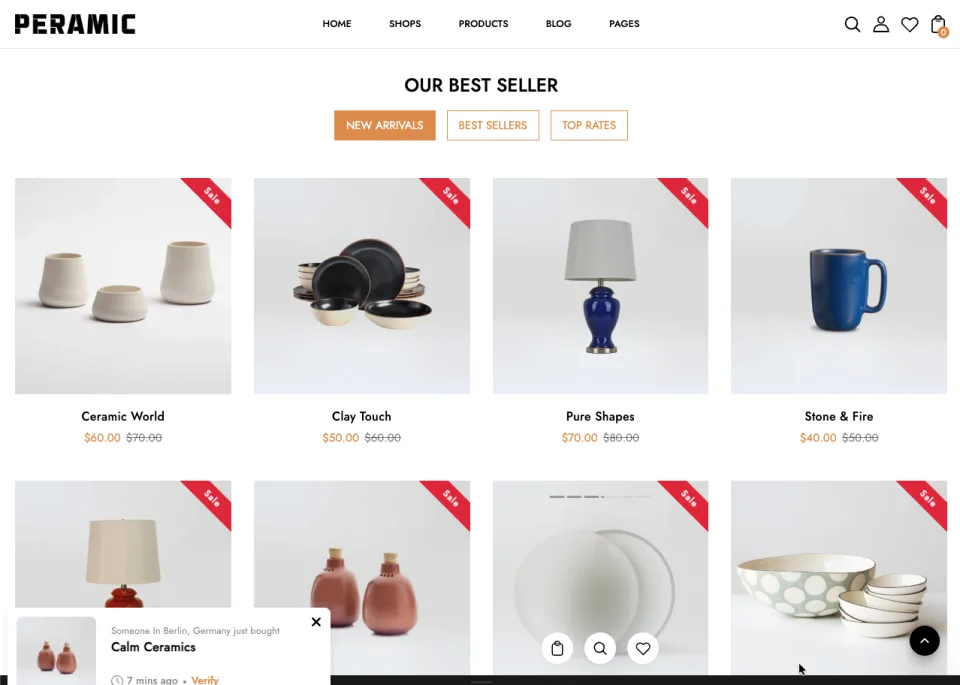
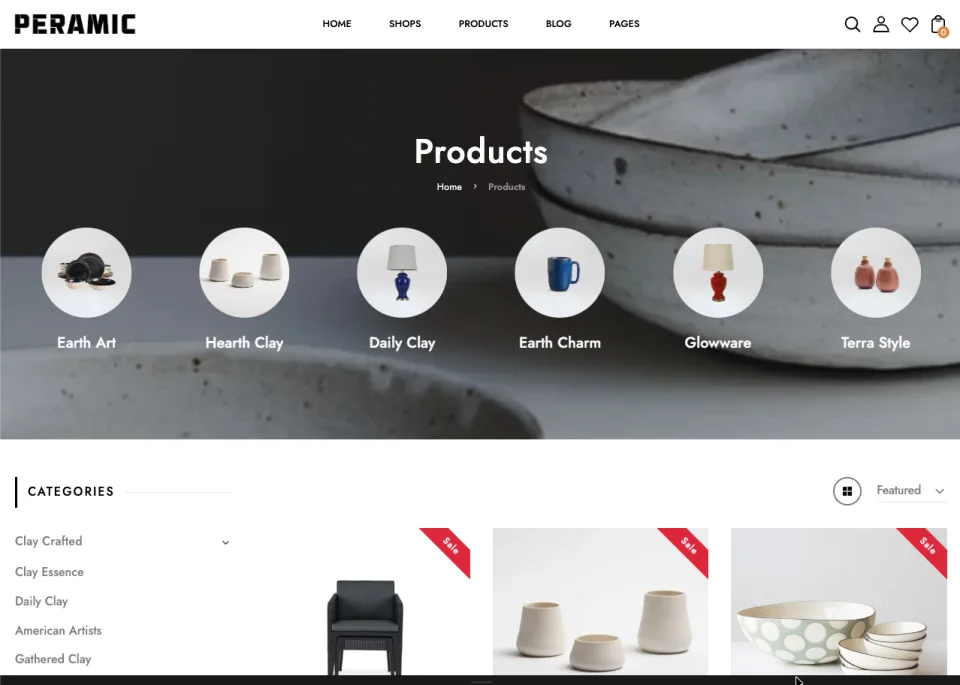
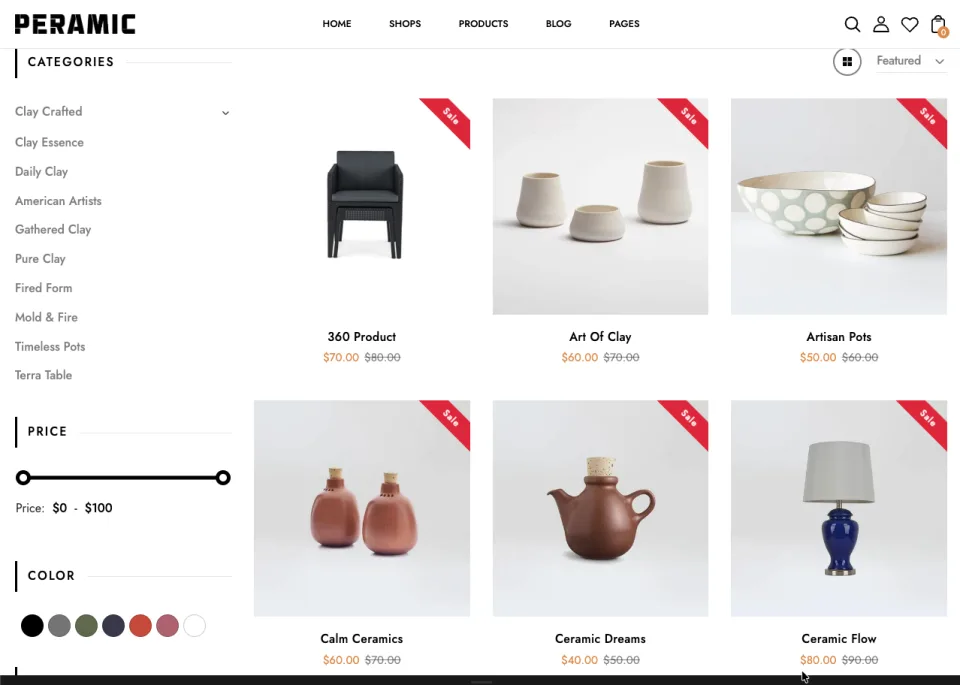
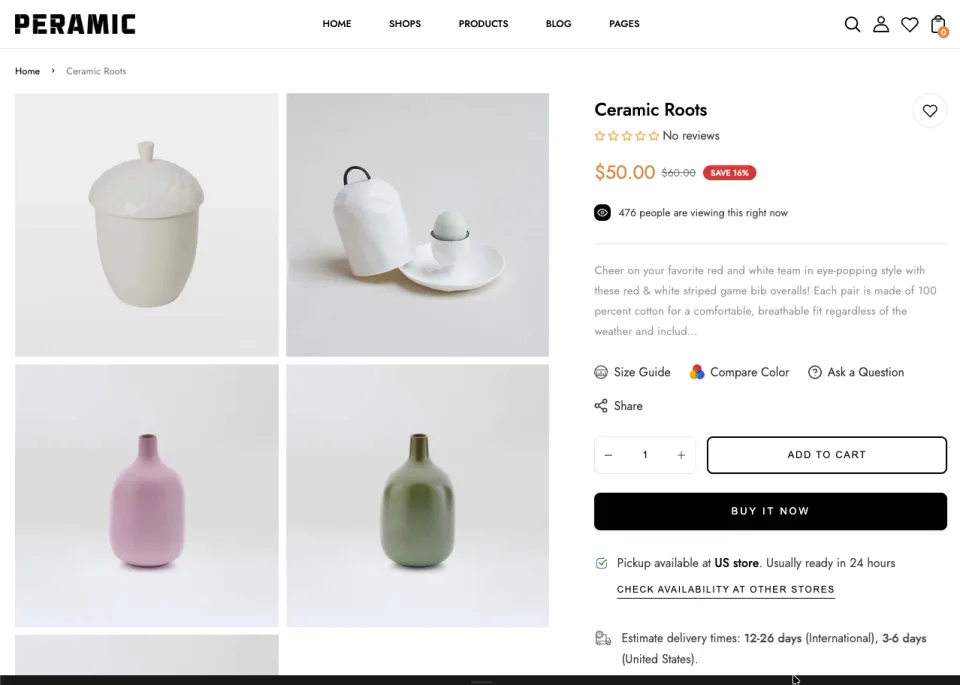
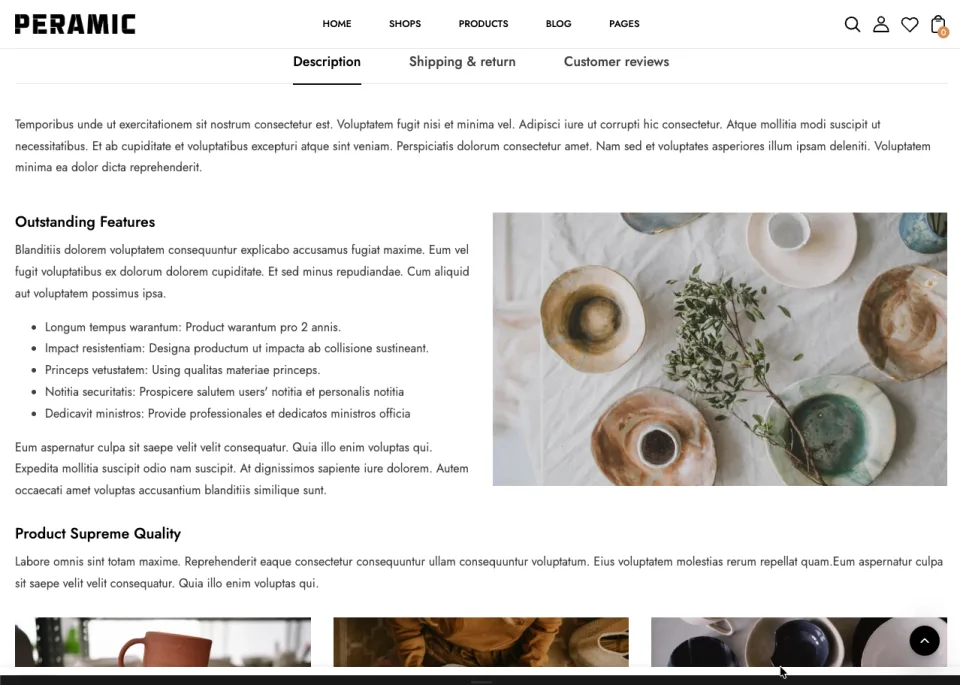
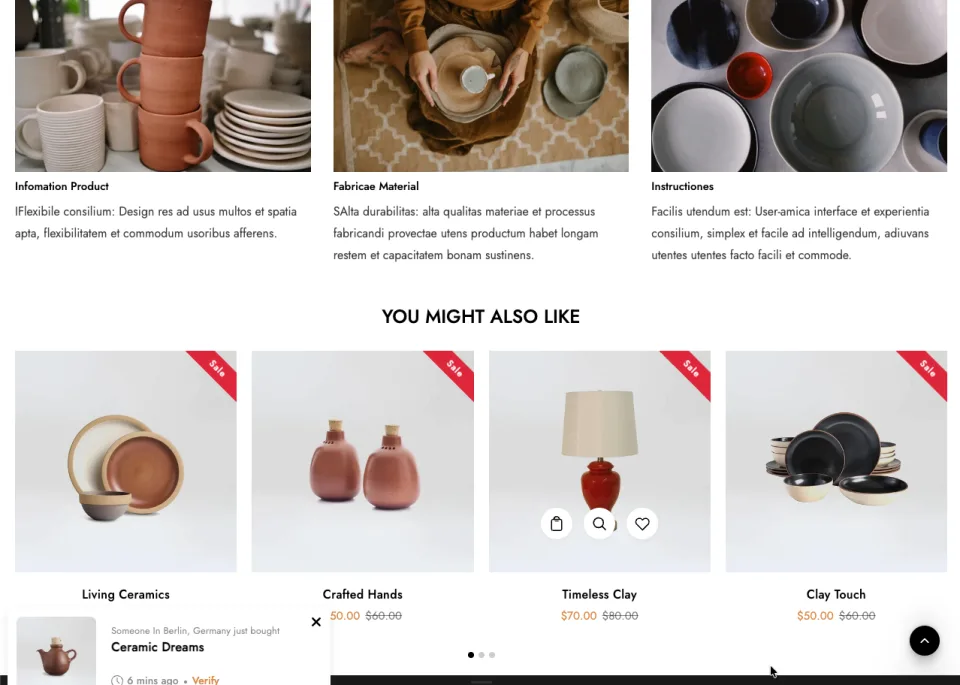
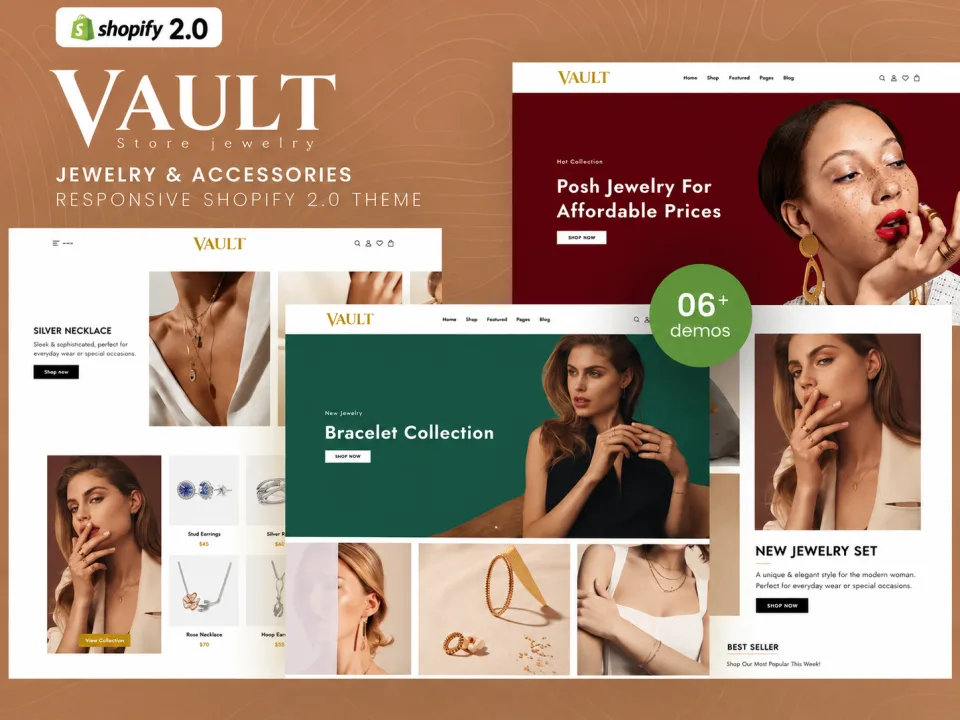
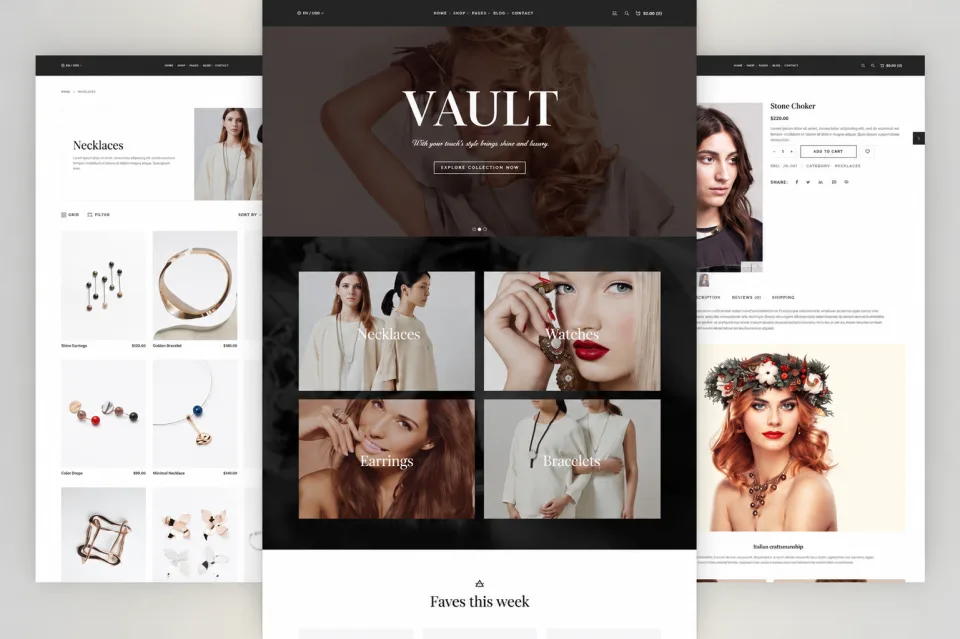
Ceramic Pottery & Home Decor Shopify Theme homepage designShopify theme for handmade ceramic pottery and home decor storeCeramic vases and pottery product collection Shopify storefrontModern pottery and ceramic home accessories online store designHandmade ceramic bowls and decorative pottery Shopify themeMinimalist home decor Shopify website with ceramic productsCeramic planters and vases ecommerce product page designPottery collection grid layout for a home decor Shopify storeCeramic tableware and handmade pottery online shop themeResponsive ceramic pottery Shopify theme for mobile shoppingHome decor product detail page for ceramic vases and ornamentsModern ceramic art and handcrafted home accessories storefrontShopify theme layout for pottery studios and artisan decor brands1. Elegant ceramic pottery ecommerce website with modern home decor
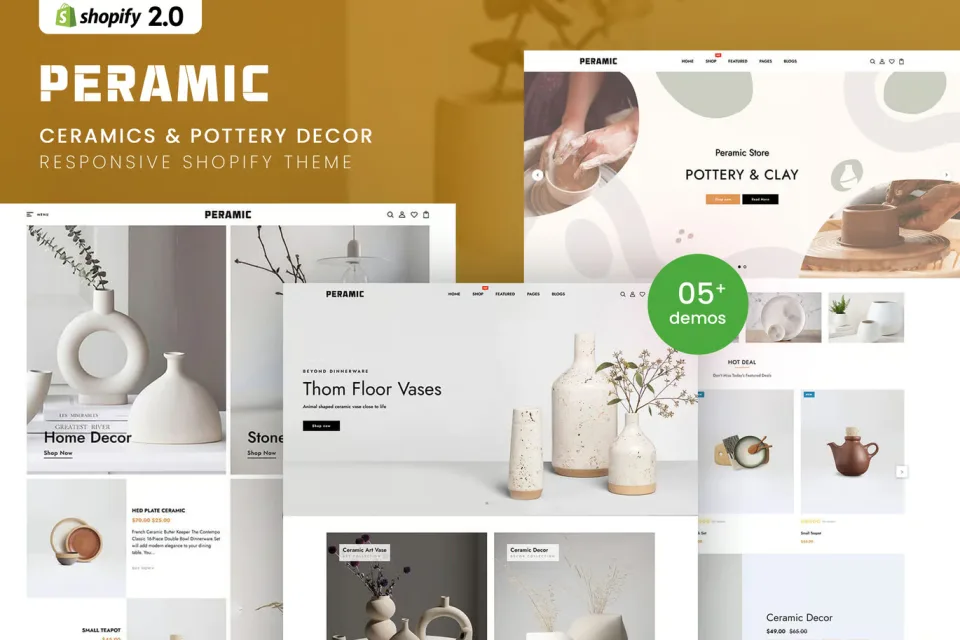
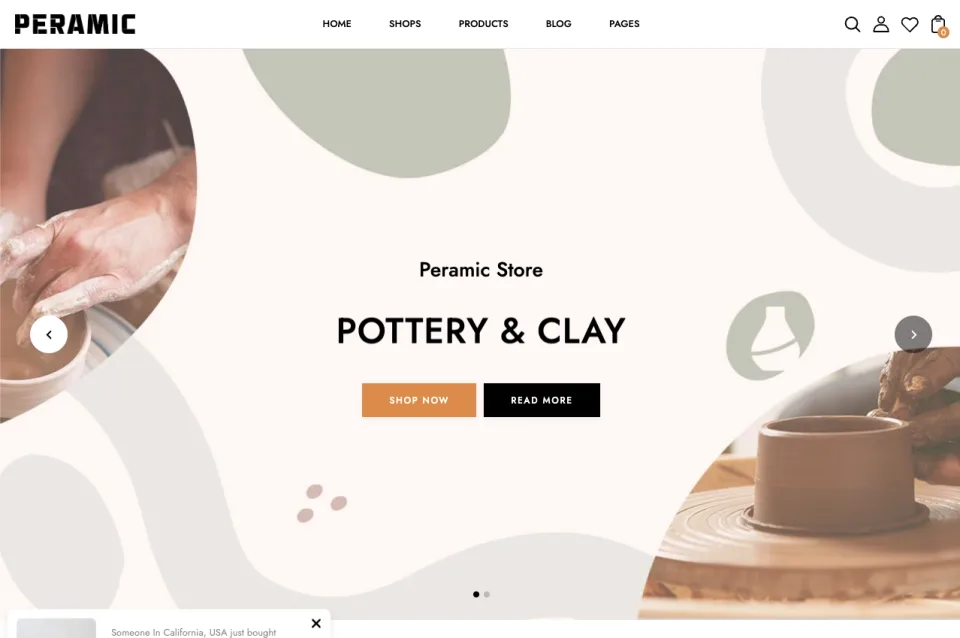
Build an elegant ceramics and pottery store with flexible homepage layouts, customizable headers, mega menus, product quick view, and responsive design.
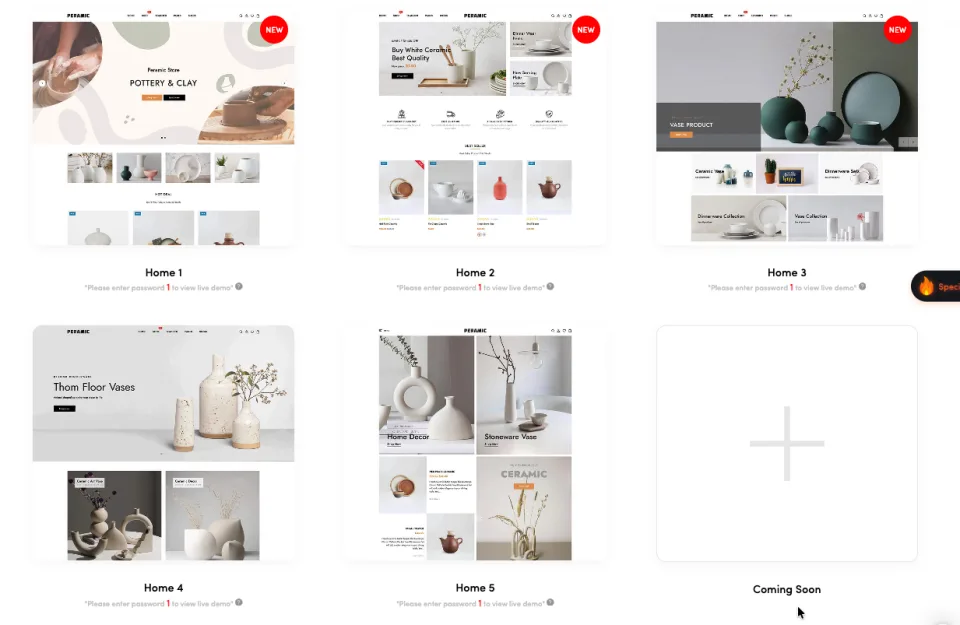
Create a refined online store for ceramics, pottery, handmade crafts, and home decor with the ZXNOVA Vault Ceramic Pottery & Home Decor Shopify Theme. The supplied theme details describe five homepage variations, six header styles, and flexible mega-menu layouts, helping you present artisan products with a polished storefront.
Key Features
Five homepage variations
Six header styles
Flexible mega-menu layouts
Product image slider
Product quick view and color options
Advanced layered navigation
Customizable colors and Google Fonts
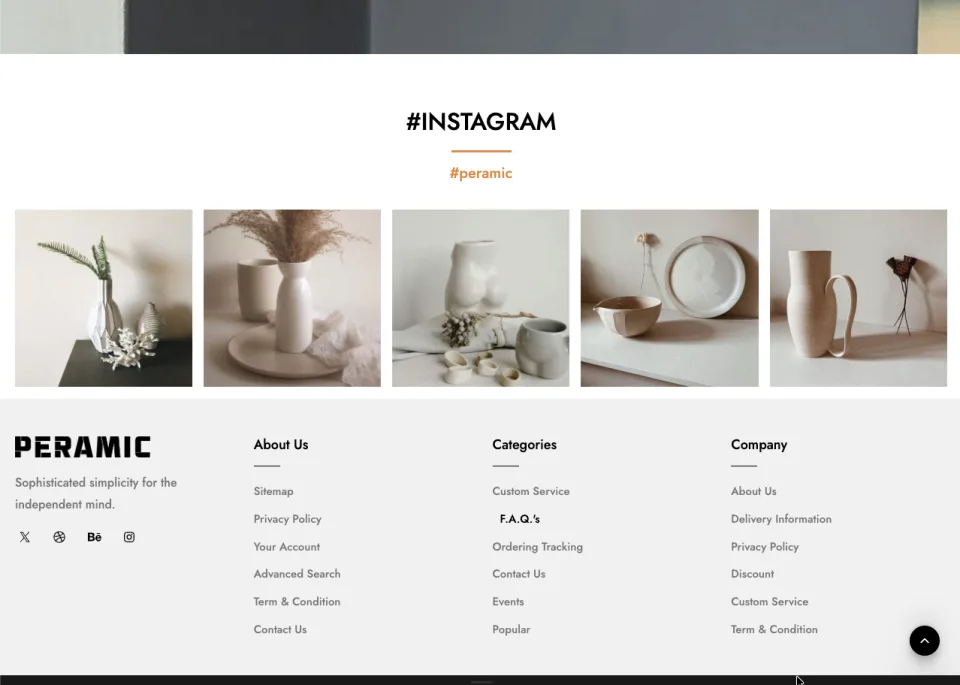
Header and footer style options
Multi-currency support
Ajax add to cart and wishlist
Ajax collection grid and list views
Upsell and related product sliders
Product zoom and best-seller sections
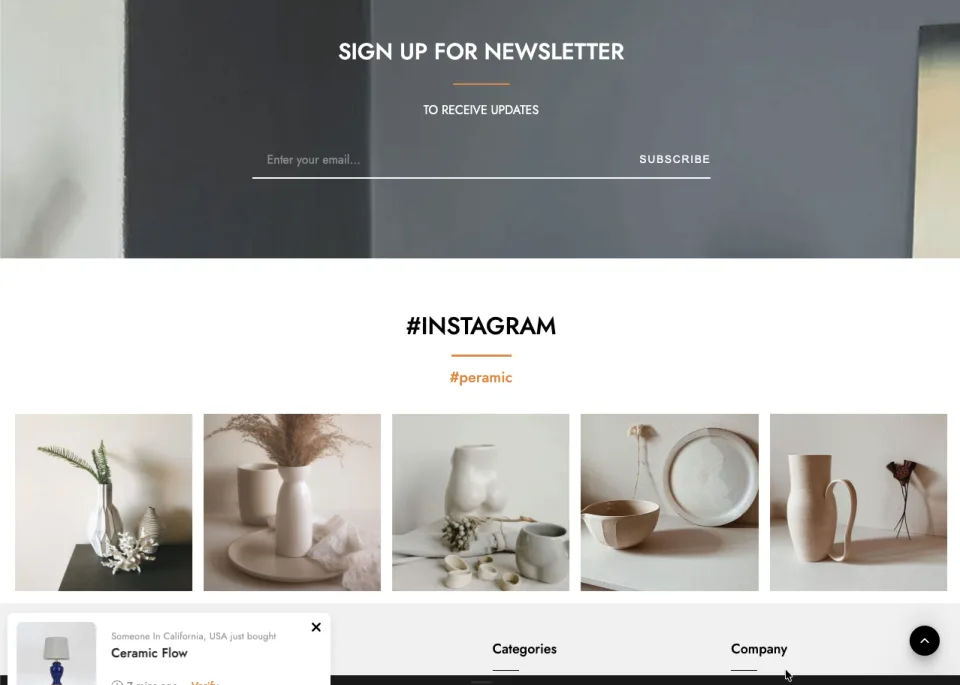
Newsletter, blog slider, and customer reviews
Responsive and retina-ready layout
One-click demo import and documentation
What’s Included
Shopify theme files (confirm package contents before publishing)
Theme documentation (if supplied with the original package)
Installation Guide
After purchase, download the Shopify theme ZIP from your ZXNOVA Vault order or account page once the downloadable file has been attached to the product.
Log in to your Shopify admin.
Go to Online Store > Themes.
Choose Add theme or the theme upload option, then select Upload ZIP file and choose the theme ZIP.
After the upload finishes, preview and customize the theme before publishing it.
Note: A downloadable theme ZIP must be included with this product. Uploading the listing CSV alone does not provide the theme files. Shopify menu labels can vary slightly by admin version.
Features
Five homepage variations
Six header styles
Flexible mega-menu layouts
Product image slider
Product quick view and color options
Advanced layered navigation
Customizable colors and Google Fonts
Header and footer style options
Multi-currency support
Ajax add to cart and wishlist
Ajax collection grid and list views
Upsell and related product sliders
Product zoom and best-seller sections
Newsletter, blog slider, and customer reviews
Responsive and retina-ready layout
One-click demo import and documentation
What’s included
Shopify theme files (confirm package contents before publishing)
Theme documentation (if supplied with the original package)
Frequently asked questions
What type of store is this theme designed for?
It is suited to ceramics, pottery, handmade crafts, and home decor stores.
How many homepage layouts are described?
The supplied details describe five homepage variations.
Can I customize the header and mega menu?
Yes. The supplied details describe six header styles and flexible mega-menu layouts.
Does it support mobile shopping?
The theme is described as responsive and retina-ready for modern devices.
What product discovery features are included?
The listed features include product quick view, layered navigation, collection grid/list views, and product zoom.
How do I install this Shopify theme after purchase?
Download the theme ZIP from your ZXNOVA Vault order/account page after the product files have been attached. In Shopify admin, open Online Store > Themes, choose Add theme or the upload option, upload the ZIP, then preview and customize it before publishing.
Reviews
No reviews for this product yet
Bought it? Your honest review helps other buyers decide.
Only verified buyers can review. After your purchase, open your account → Downloads → “Write a review”.