Showcase jewelry and fashion products with a mobile-first storefront, large product imagery, product filtering, related products, and an Instagram gallery.
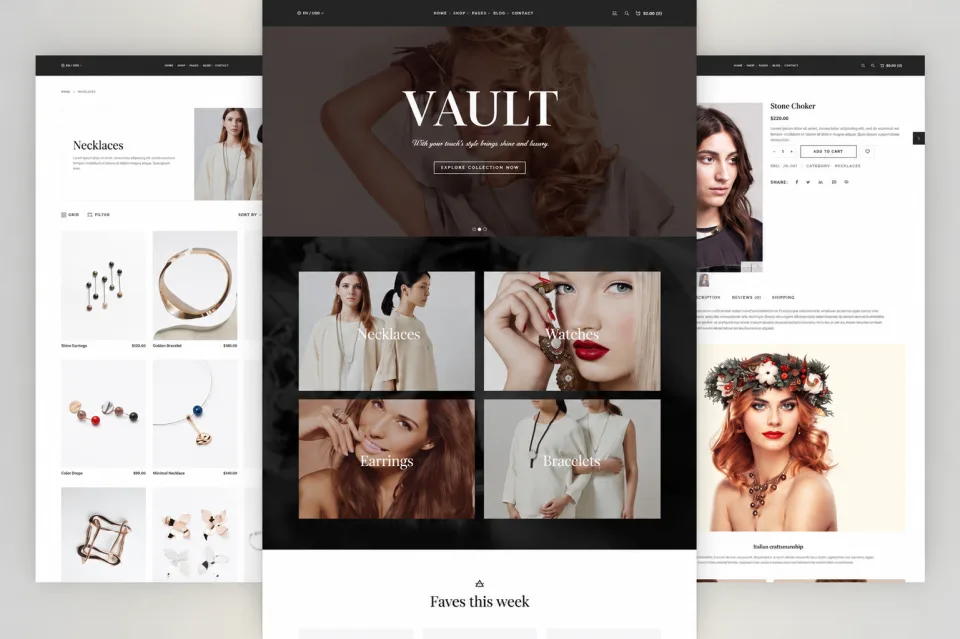
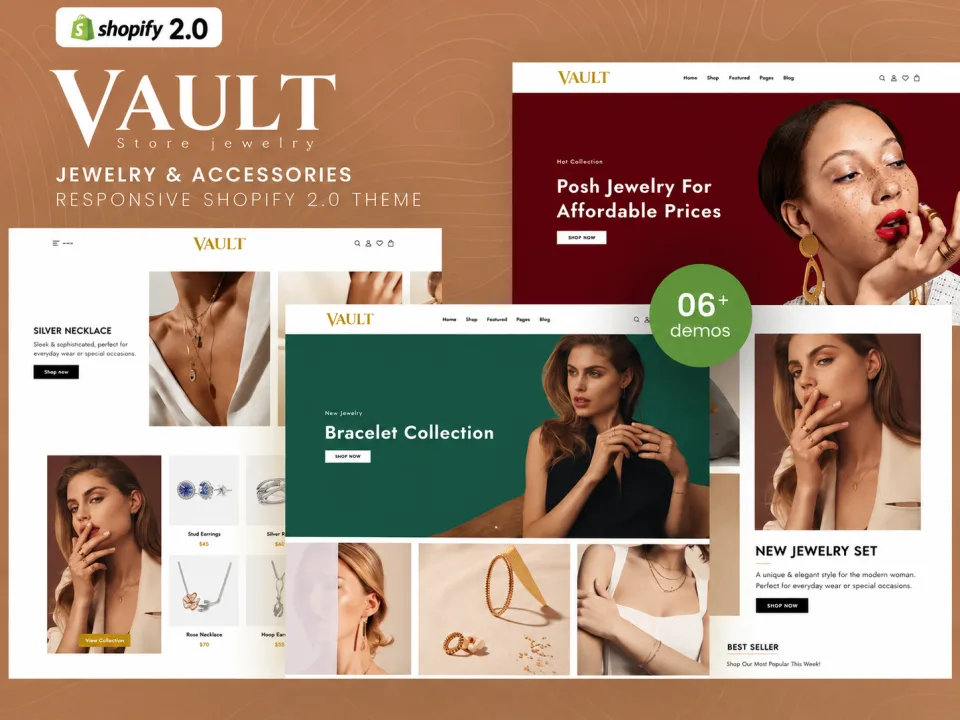
Create a clean, professional storefront with the ZXNOVA Vault Modern Jewelry Shopify Theme. The supplied description highlights section-based drag-and-drop customization, high-resolution product imagery, related products, product filtering, featured product sections, and an Instagram gallery with hover effects.
Key Features
Section-based drag-and-drop layout
Optimized large product imagery
Related product sections
Hero banner with background image or video
Featured product section
Product filtering and sorting
Mobile-first design
Instagram gallery with hover effects
Responsive display across screen sizes
What’s Included
Shopify theme files (confirm package contents before publishing)
Documentation, if supplied with the original package
Installation Guide
After purchase, download the Shopify theme ZIP from your ZXNOVA Vault order or account page once the downloadable file has been attached to the product.
Log in to your Shopify admin.
Go to Online Store > Themes.
Choose Add theme or the theme upload option, then select Upload ZIP file and choose the theme ZIP.
After the upload finishes, preview and customize the theme before publishing it.
Note: A downloadable theme ZIP must be included with this product. Uploading the listing CSV alone does not provide the theme files. Shopify menu labels can vary slightly by admin version.
Features
Section-based drag-and-drop layout
Optimized large product imagery
Related product sections
Hero banner with background image or video
Featured product section
Product filtering and sorting
Mobile-first design
Instagram gallery with hover effects
Responsive display across screen sizes
What’s included
Shopify theme files (confirm package contents before publishing)
Documentation, if supplied with the original package
Frequently asked questions
What stores can use this theme?
It is presented as a jewelry theme and the source description says it can be adapted to other retail categories.
Can I feature large product images?
Yes. The supplied details emphasize layouts optimized for high-resolution product imagery.
Does it include a video hero option?
The source description lists a hero image area that can use a background image or video.
Can shoppers filter products?
Product filtering and sorting are listed features.
Is the design mobile-first?
Yes. The supplied description explicitly identifies a mobile-first design.
How do I install this Shopify theme after purchase?
Download the theme ZIP from your ZXNOVA Vault order/account page after the product files have been attached. In Shopify admin, open Online Store > Themes, choose Add theme or the upload option, upload the ZIP, then preview and customize it before publishing.
Reviews
No reviews for this product yet
Bought it? Your honest review helps other buyers decide.
Only verified buyers can review. After your purchase, open your account → Downloads → “Write a review”.