Description
Description
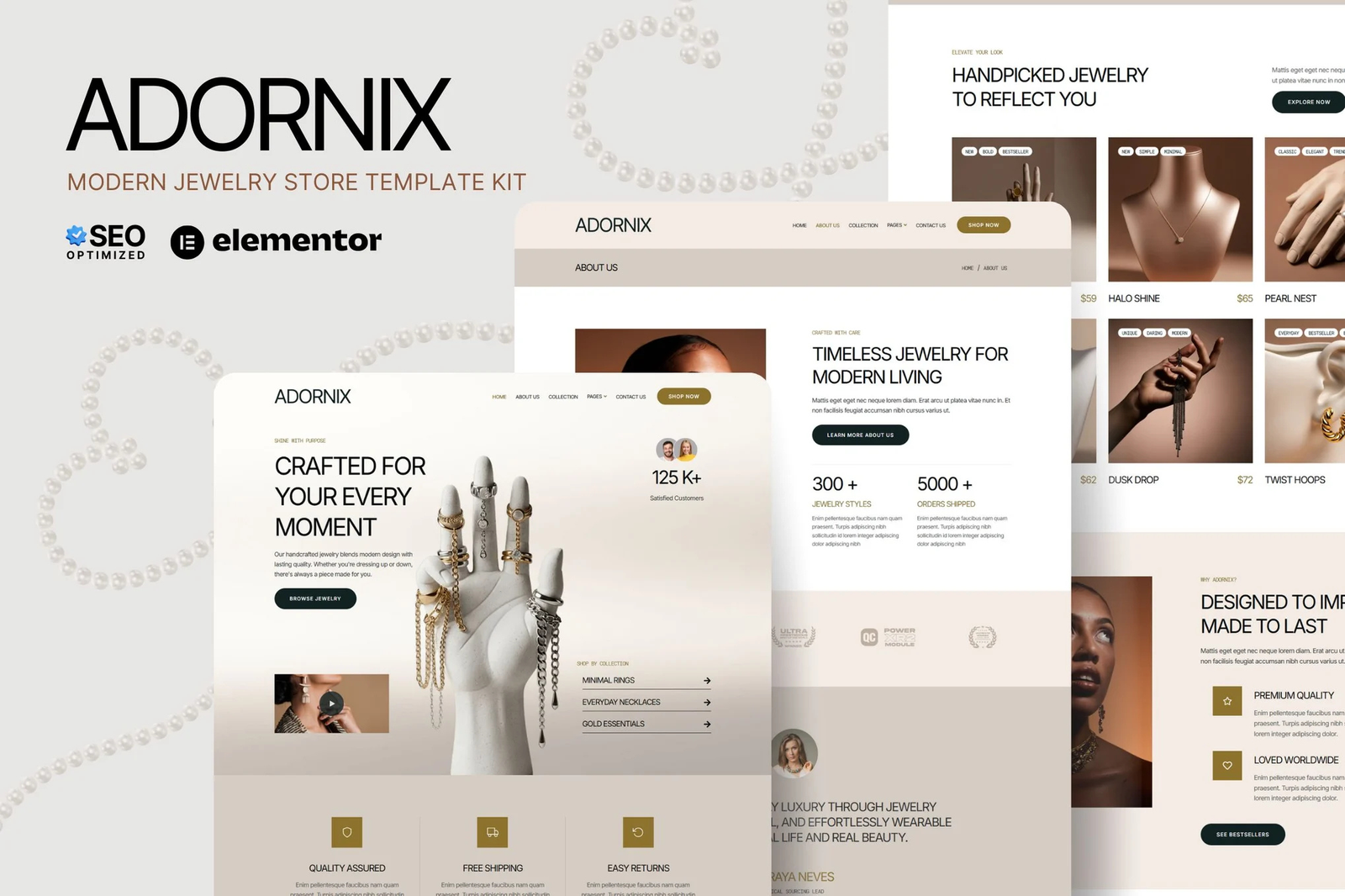
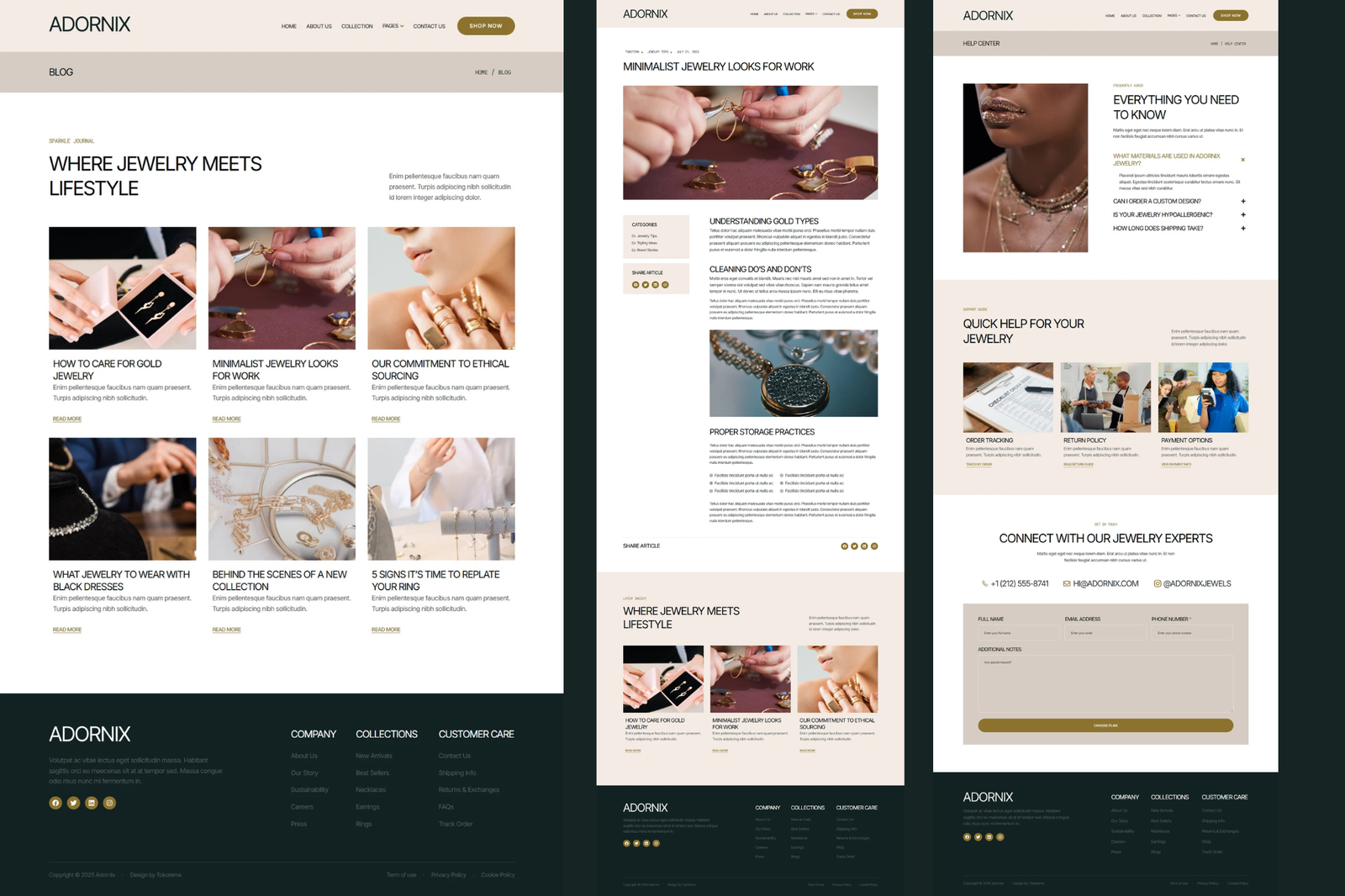
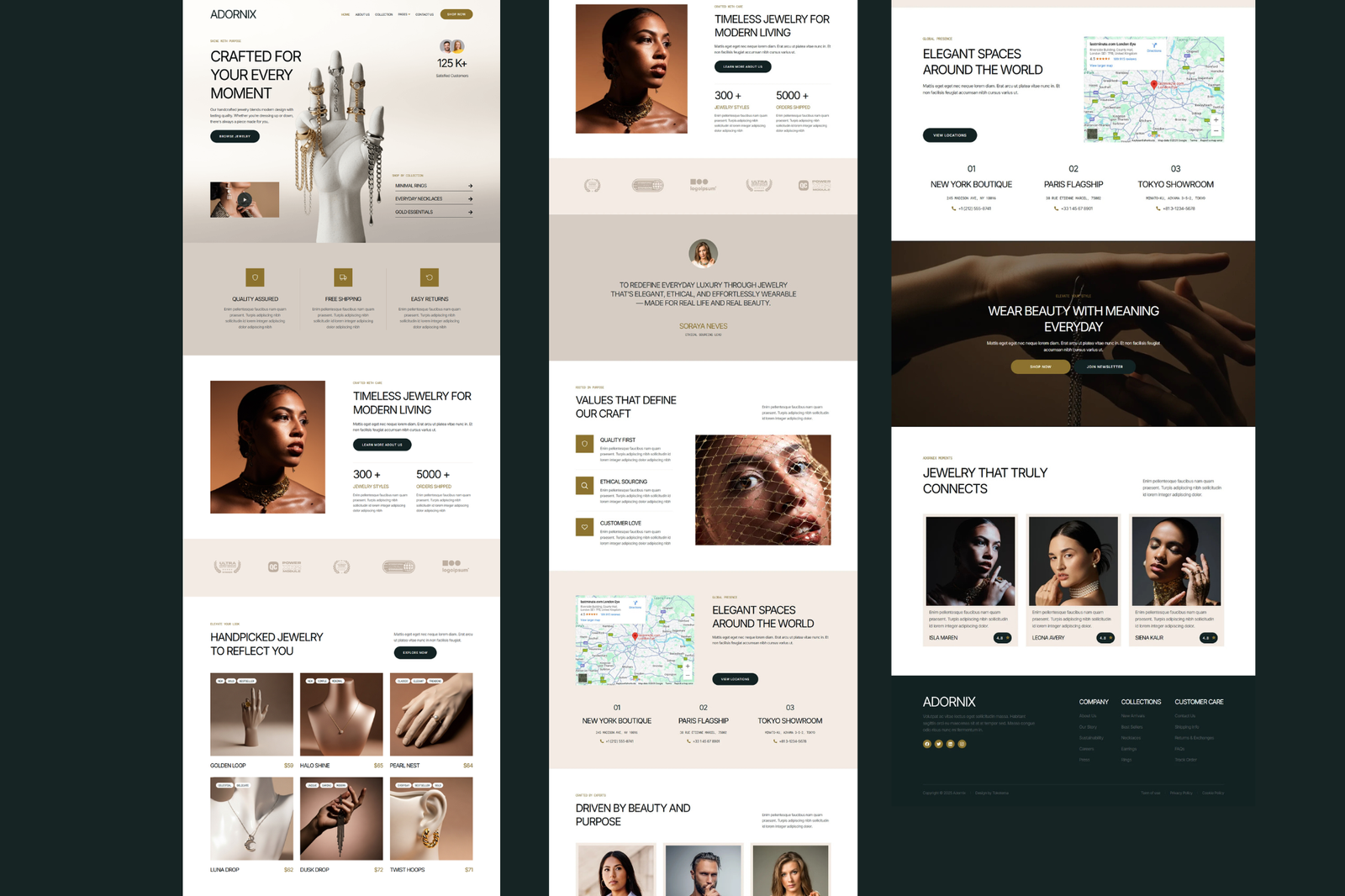
Adornix—Modern Jewelry Store Website Elementor Kit is a sleek and elegant template perfect for showcasing jewelry brands with timeless style. Designed with Elementor, this kit blends modern aesthetics with high performance, making it ideal for fashion-forward stores, boutique jewelers, and online luxury retailers. Fully responsive and SEO-optimized, Adornix includes all essential pages to create a refined, user-friendly online presence. With minimalist elegance and rich visuals, it helps you present your brand with confidence, attract more customers, and boost engagement effortlessly.
Features
- True no-code customization with a drag-and-drop visual builder
- Customize fonts and colors in one place or fine-tune on individual elements
- Modern, professional design
- Fast-loading
- Works with most Elementor themes.
Note: This is a headless eCommerce solution to be integrated with the cart plugin or platform of your choice.
Included Pages:
- Homepage
- About Us
- Collection
- Pricing
- Team
- Help Center
- Blog
- Single Post
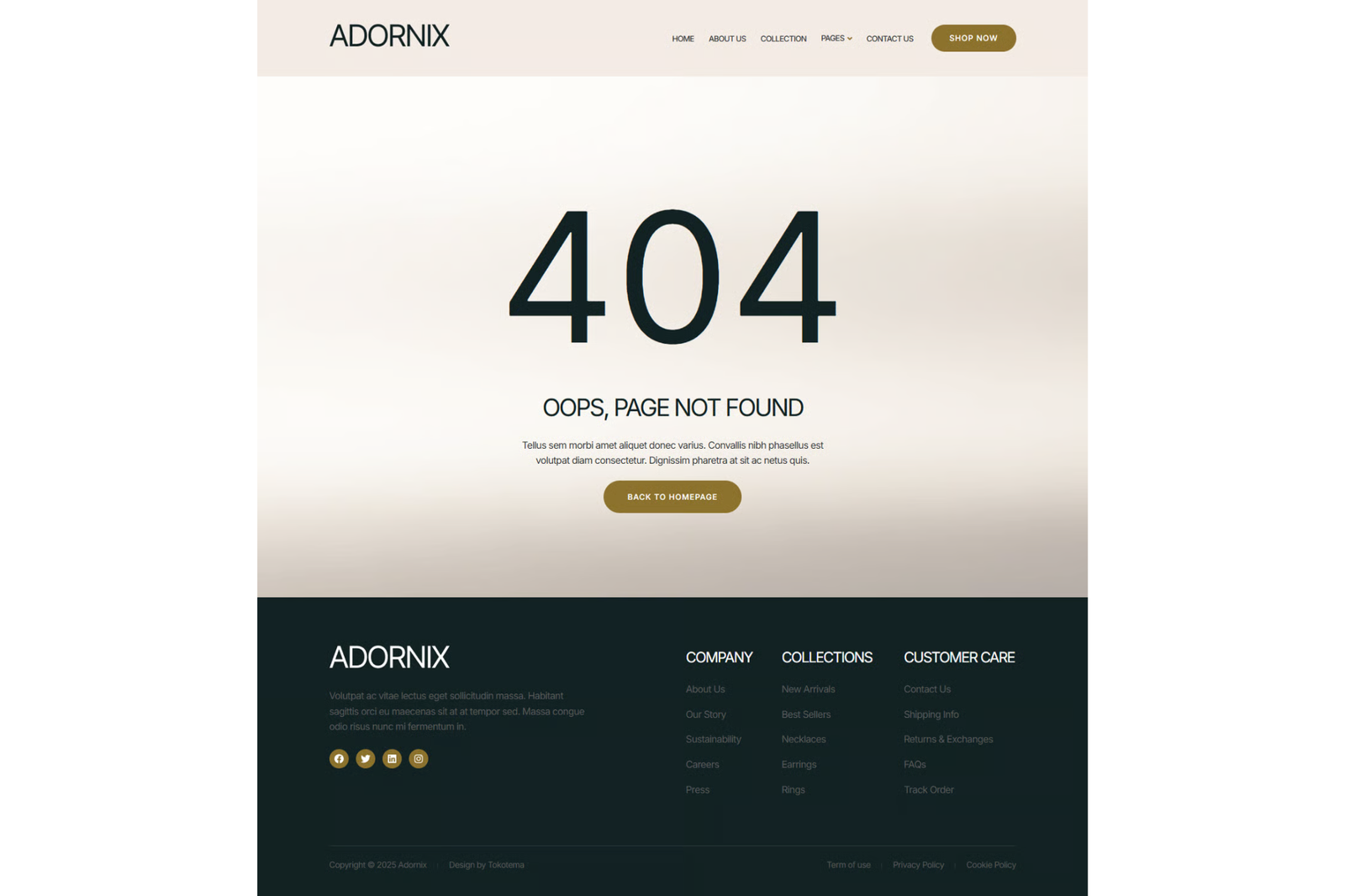
- 404
- Contact Us
Plugins installed with kit
- Jeg Elementor Kit
- Metform
- The Plus Add-On
** How to Use Template Kits: ** This is not a WordPress Theme. Template kits contain the design data for Elementor only and are installed using the envato Elements plugin for WordPress or directly through Elementor.
- Download your kit file from Envato and do not unzip it. If you use Safari browser you may need to ensure “Open safe files after downloading” is disabled in the browser preferences.
- Go to Settings > Permalinks and ensure Post Name is selected
- Go to Appearance > Themes > Add New and ensure Hello Elementor is installed and activated. This will prompt you to install Elementor if you haven’t already.
- Go to Elements > Installed Kits and click Upload Template Kit Zip (or click your kit to view it)
- Click import on the Global Kit Styles first. This will setup the site settings.
- Click Import on one template at a time in the order shown. These are stored in Elementor under Templates > Saved Templates and are re-used from here.
Creating pages
- Go to Pages and create a new page and click Edit with Elementor
- Click the gear icon at lower-left of the builder to view page settings and choose Elementor Full Width and hide page title
- Click the gray folder icon to access My Templates tab and then Import the page you’d like to customize.
- The home page is set under Settings > Reading by selecting Static Front Page.



Reviews
There are no reviews yet.